
Review of the Meal Order App
Overview
In this chapter, you will review the structure of the starter code: an app for placing orders at a restaurant.
Objectives
By the end of this chapter, you will be able to:
- Create a Workday Extend app from a ZIP file.
- Explain the data model and features of the Meal Order app.
The Meal Order App
In this course, you will add on to an existing Workday Extend app. The Meal Order app is a tool that lets users create new restaurants and place orders from those restaurants.
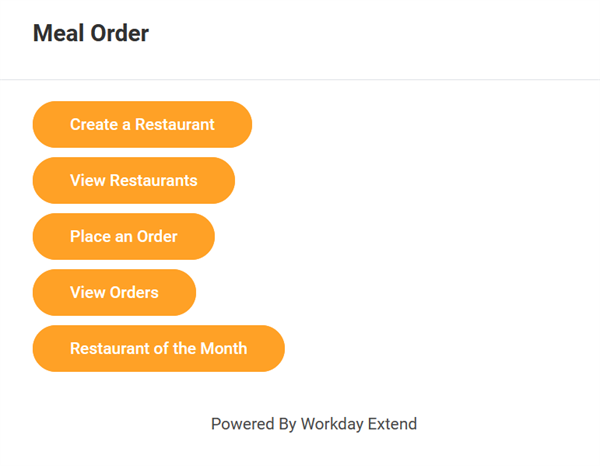
The app already includes the following features:
- A multi-page flow for creating new restaurants.
- A page to manage restaurants, which includes a grid displaying all existing restaurants and buttons to view, edit, and delete a specific restaurant.
- A page to display the restaurant of the month, which can be configured in the tenant via an attribute.
- A conditional page flow to create new restaurant orders. Users can choose whether to place an order for themselves or for another worker.
- A page to display all existing restaurant orders.
Data Model
So far, the Meal Order app includes two Workday Extend business objects: Restaurant and Restaurant Order.