
建立固定日期欄
This article includes suggestions and workarounds. Content may not be accurate for all use cases or represent best practices for the latest release.
問題
如何將特定日期欄設為固定?我不想讓欄的日期相對於「帳簿報告日期」。
解答
若要將特定日期欄設為固定日期 (即與報告簿日期無關),請參閱以下步驟︰
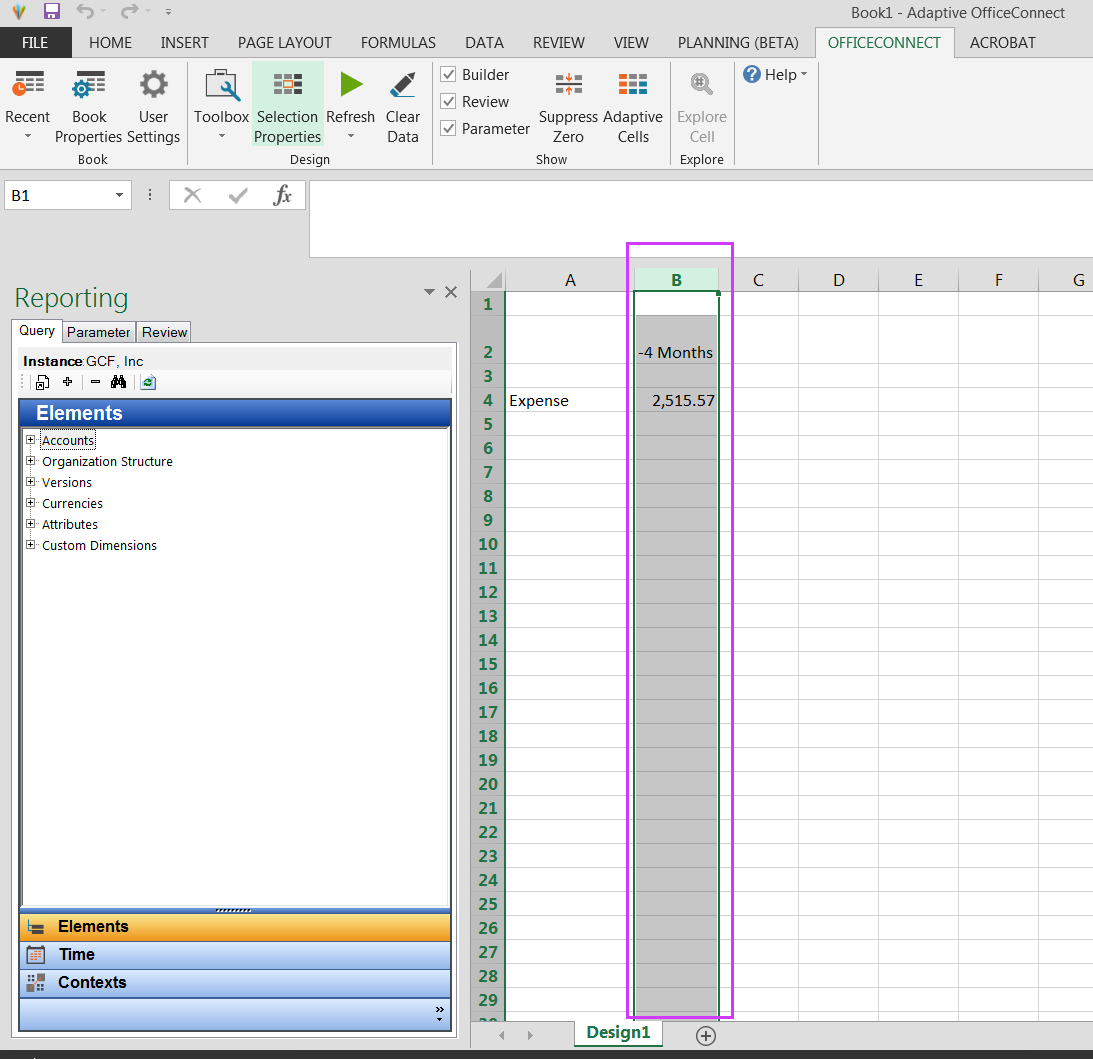
- 1.選取包含日期元素的特定欄
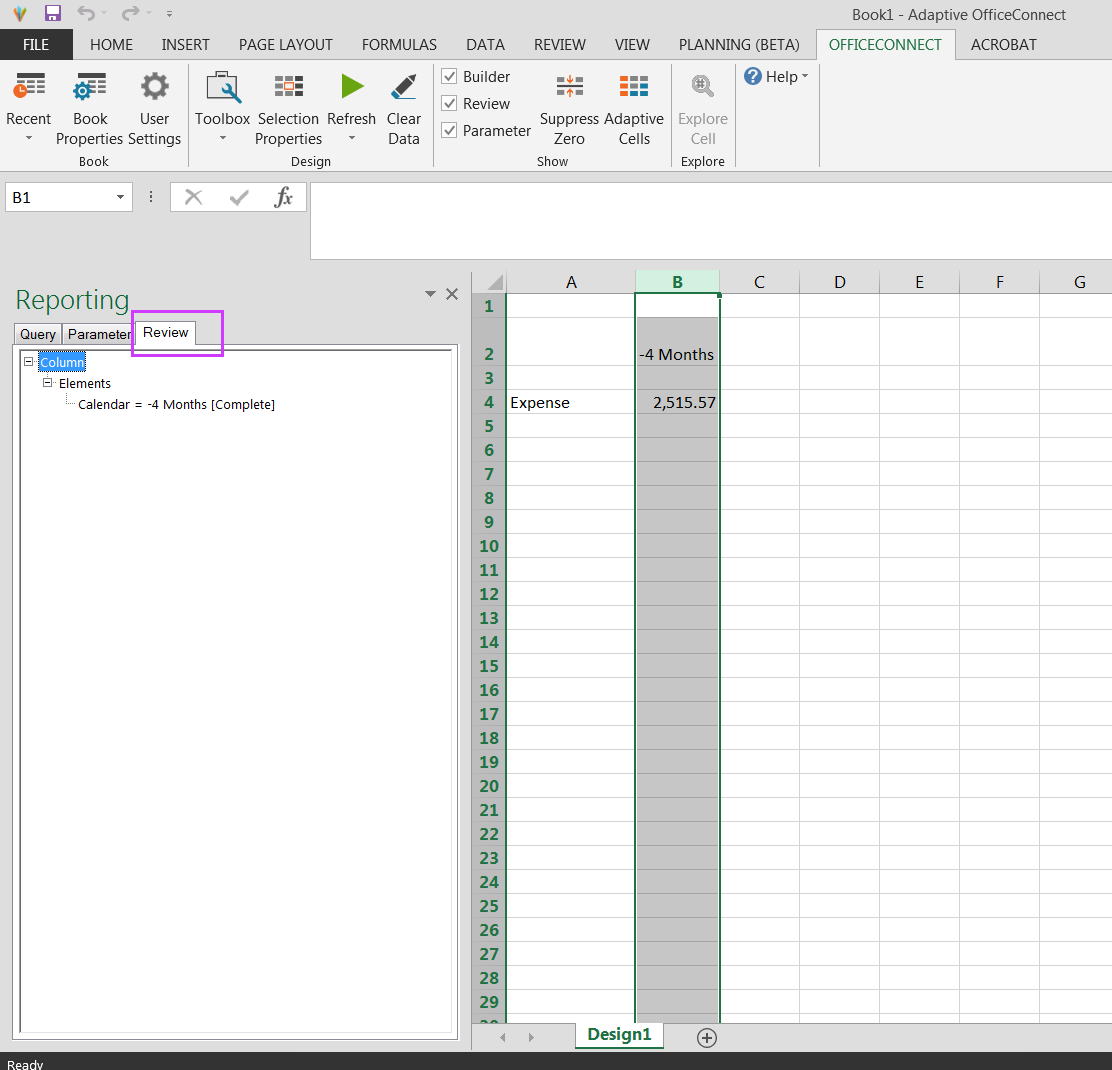
- 2.在左側窗格中按一下檢閱分頁
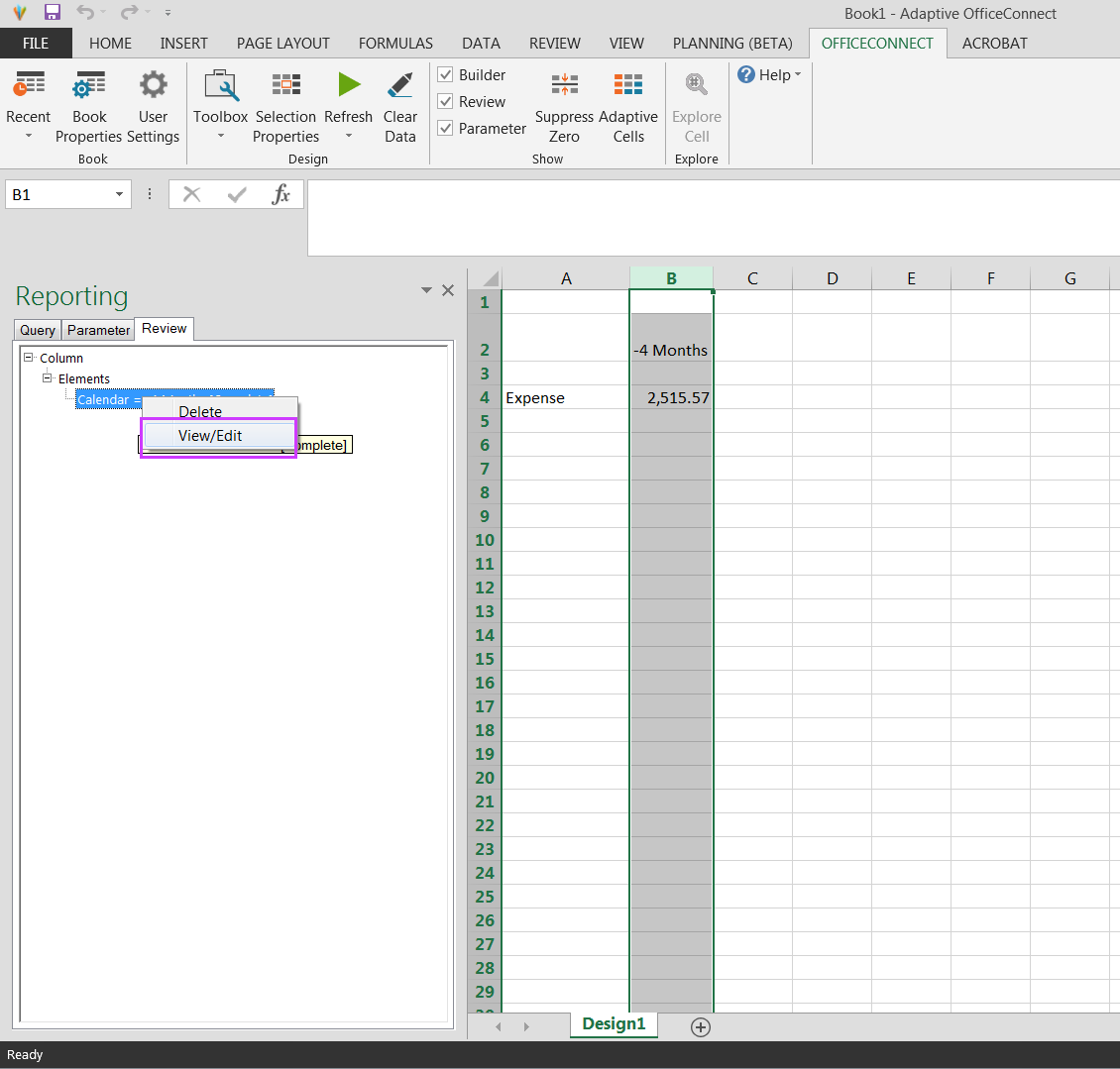
- 3.以滑鼠右鍵按一下行事曆元素,然後選擇「檢視/編輯」
- 4.取消勾選相對於帳簿的日期方塊
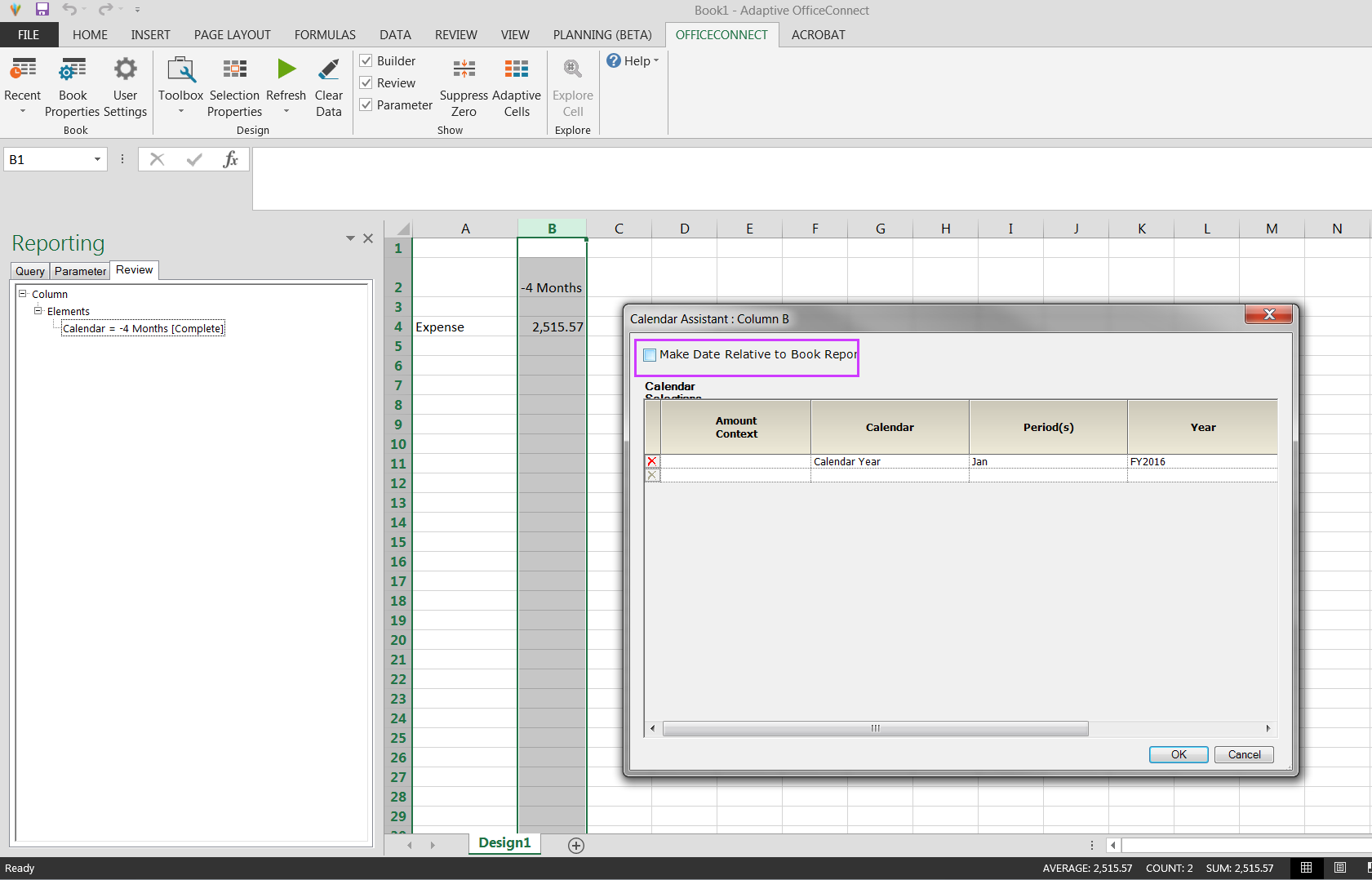
- 5.按一下「確定」並重新整理檔案