OfficeConnect Task Pane is not displaying correctly
Question: Why is the OfficeConnect task pane not sizing or displaying correctly?
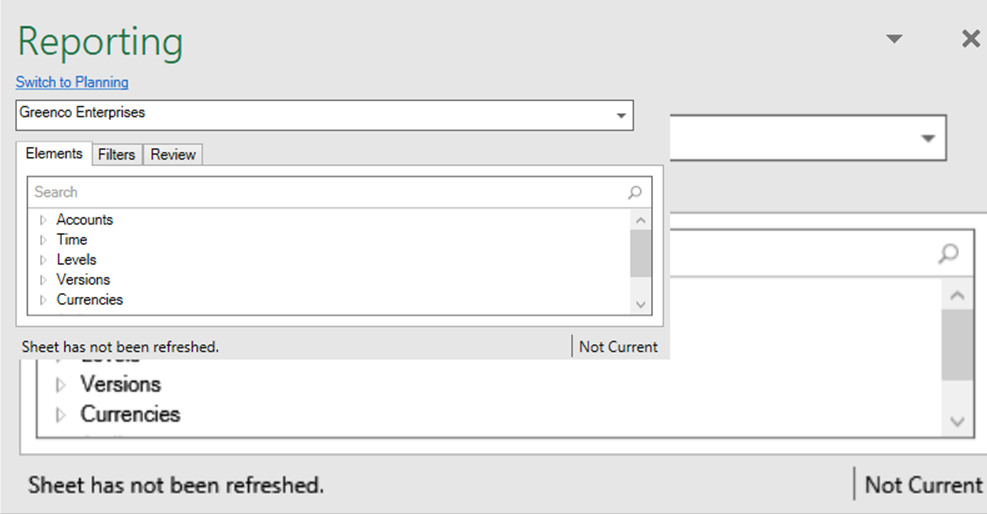
If a user has multiple monitors, the OfficeConnect task pane could display incorrectly due to settings within Excel. In some displays, the elements task pane shows black sections.
- Either the user does not see the arrow, or end of the task pane
- The user sees two task panes in one
- The task page shows black sections

Answer:
- Open Excel.
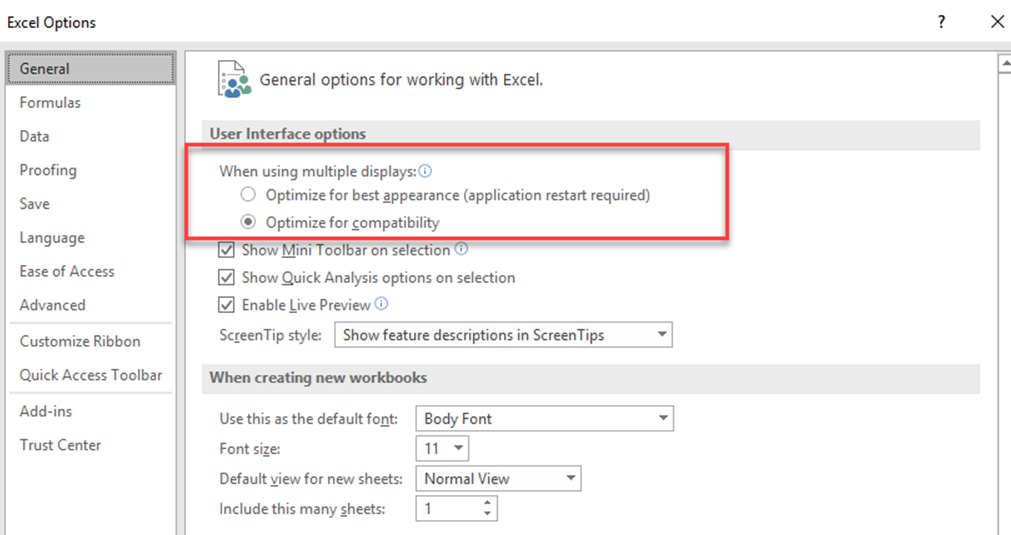
- Navigate to File> Options> General and change the Excel setting to "Optimize for compatibility instead of Optimize for best appearance.
- Close and then restart Excel.