
Scheduled integration task fails with an error but completes successfully when ran manually
This article includes suggestions and workarounds. Content may not be accurate for all use cases or represent best practices for the latest release.
Question
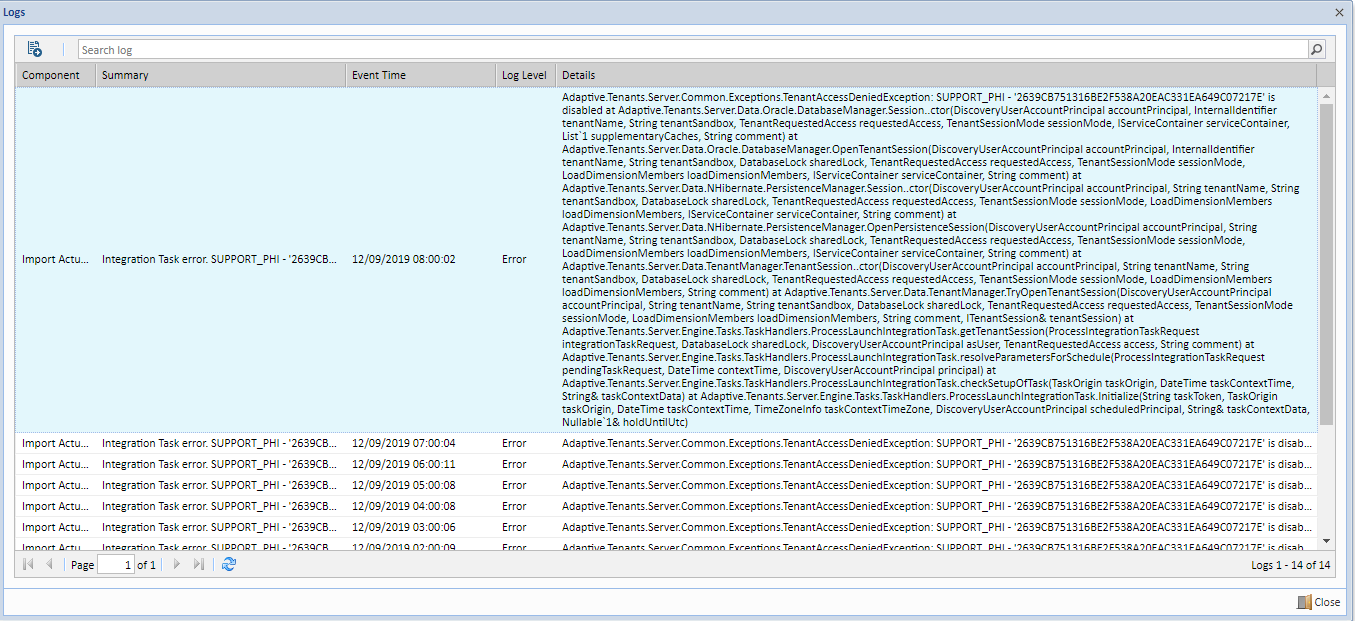
I am receiving an error within my Integration Task when it is being automatically ran. The task can be ran manually without any error, but when it is ran automatically through a schedule it fails. How do I resolve this error to have the task run overnight without any discrepancies?
Answer
Typically, this error occurs when the user who was originally set to automatically run the task no longer exists in the instance.
To resolve this error, update the user "automatically" running the task with the following steps.
- Go to Integration > Design Integrations > Tasks > and choose the tasks you want to update.
- Within the Schedule Settings, choose the drop-down belowNext Scheduled Runand choose the settings.
- In the Edit Schedule menu, uncheckActiveand clickSavefor the schedule and task.
- Navigate back to the schedule settings for the task and selectActiveandRun as me.
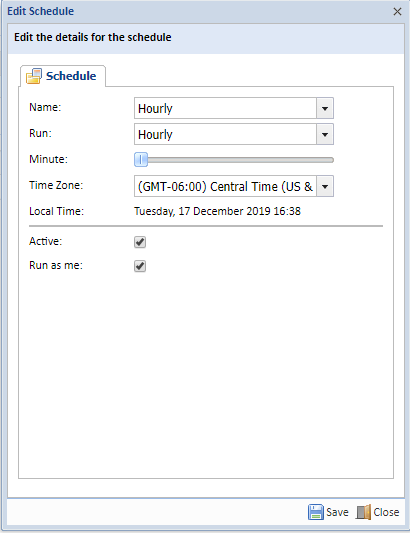
- Click Save for the Schedule and the Task.